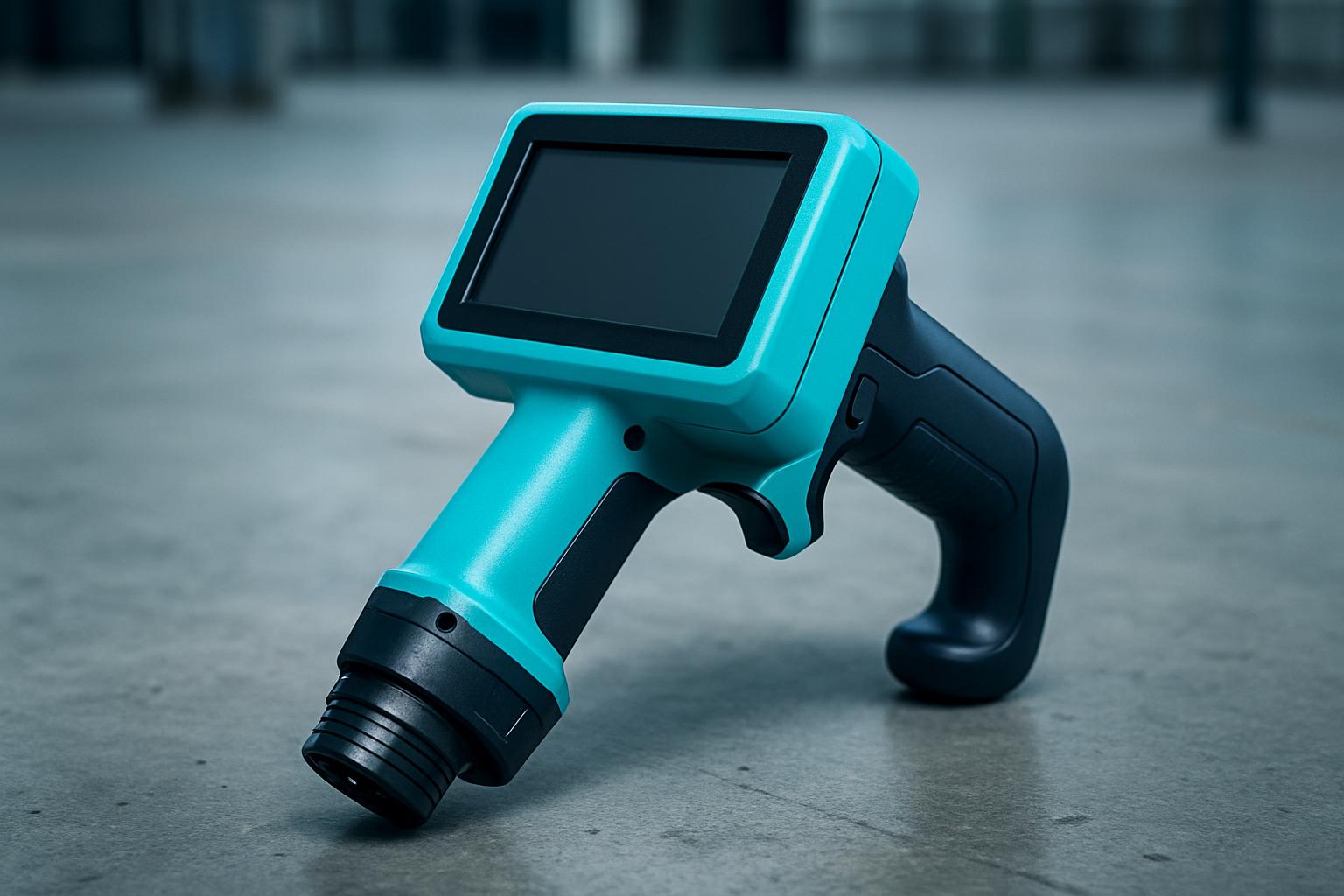
InkCell Soft is a handheld coder designed for operators marking soft or fragile surfaces. It fits shifts where standard coders smear, gouge or oversaturate, think foam inserts, thin plastic wraps, and the awkward corners of retail display packs. We designed it for South African operations that walk the line, not just stand at it. That means everything from temperature swings in Germiston to the salt air in Durban or Polokwane’s early runs. InkCell Soft works where you need a clean, light touch instead of pressure and heat.
If you move between substrates in the same day, cardboard, soft film, low-density foam, this device makes the switch practical without endless setup. It accepts standard Cartridges but only needs gentle contact. Bulk packers, warehousers, manufacturers and mobile label teams get the most from it. If you mainly code timber, steel or oiled surfaces, you may want to compare Timber Batch or SteelMark Edge instead.
Every InkCell Soft unit is matched to the floor you actually run. We’ve seen bakkies loading at Isando at 5:00, and cartons waiting on icy concrete in Cape Town. On busy lines, the problem isn’t a technology gap but a mark that rubs off, smears, or just never lands before dispatch. We skip long manuals and supply short, practical cards, one for cartridge swaps, one for template reference, and one for the operator’s reject habits.
Each device comes with a template note and a first-mark photo tip. When you photograph the first good code of the shift, you give your lead a clean restart point after tea or a sudden power cut. InkCell Soft’s care is short and simple, so you recover from power cuts, not restart every cartridge.
At shift start, check your target substrate, soft foam, stretch film, or slick polywrap. Fit the correct cartridge type, using the reference card supplied in your box. Walk the typical path you follow on your floor, not the diagram from overseas. Test one mark and snap a photo. If it’s clear and sharp, pin it above the packing bay or save it to your shift WhatsApp group for reference.
If you swap materials (say, from foam to carton), swap to the right saved template, no heavy resets. If you need to widen your operation, pair with a relevant Fields note. If you have multiple devices on one path, check your cartridge type twice, especially if your fleet is shared across shifts.
A Johannesburg warehouse packs retail electronics in foam and clear plastic. The team uses InkCell Soft to code each pack at the end of the line, one operator walks down the staging aisle just before crates are sealed for dispatch. They fit a low-saturation cartridge, take a test mark on an offcut, and snap a photo for their lead. At mid-shift, a labelled crate smears as it’s handled, so the operator checks the reference card, wipes the printhead, and resumes without pausing the line.
If the next order switches to a harder carton, the operator swaps to a new template and marks the first five packs to double-check. The device suits this workflow, gentle, mobile, and quick to recover after a short stop.
To help you get the best fit, please send a message through our contact form with your target substrate, the usual walk speed of your operator, and the type of cartridge (if any) you’ve already tried. This helps us match the device to your floor, not just the product spec.
You’ll get better results if you note any specific batch marks, expiry codes, or customer formats you need to apply. If your aisle is long or a shift covers two areas, mention if you’ll need a Care & Spares Kit in your initial query.
InkCell Soft is not for hard timber, oily steel or large rough cartons, those prefer heavier heads like Timber Batch or SteelMark Edge. If your shifts demand long runs on heavy, uneven surfaces, or you need high-visibility marks in sunlight, choose a device suited for field paths instead.
Common mistakes include skipping the first good mark photo or swapping cartridges mid-shift without a check. Always use the care note provided, and link to the right Codes notes so your language matches what your lead expects.
| Ink / cartridge | Low-bleed soft film ink |
|---|---|
| Print / walk | 12.7 mm · pressure-limited head |
| Power | USB-C · quiet motor profile |
Verified Google reviews