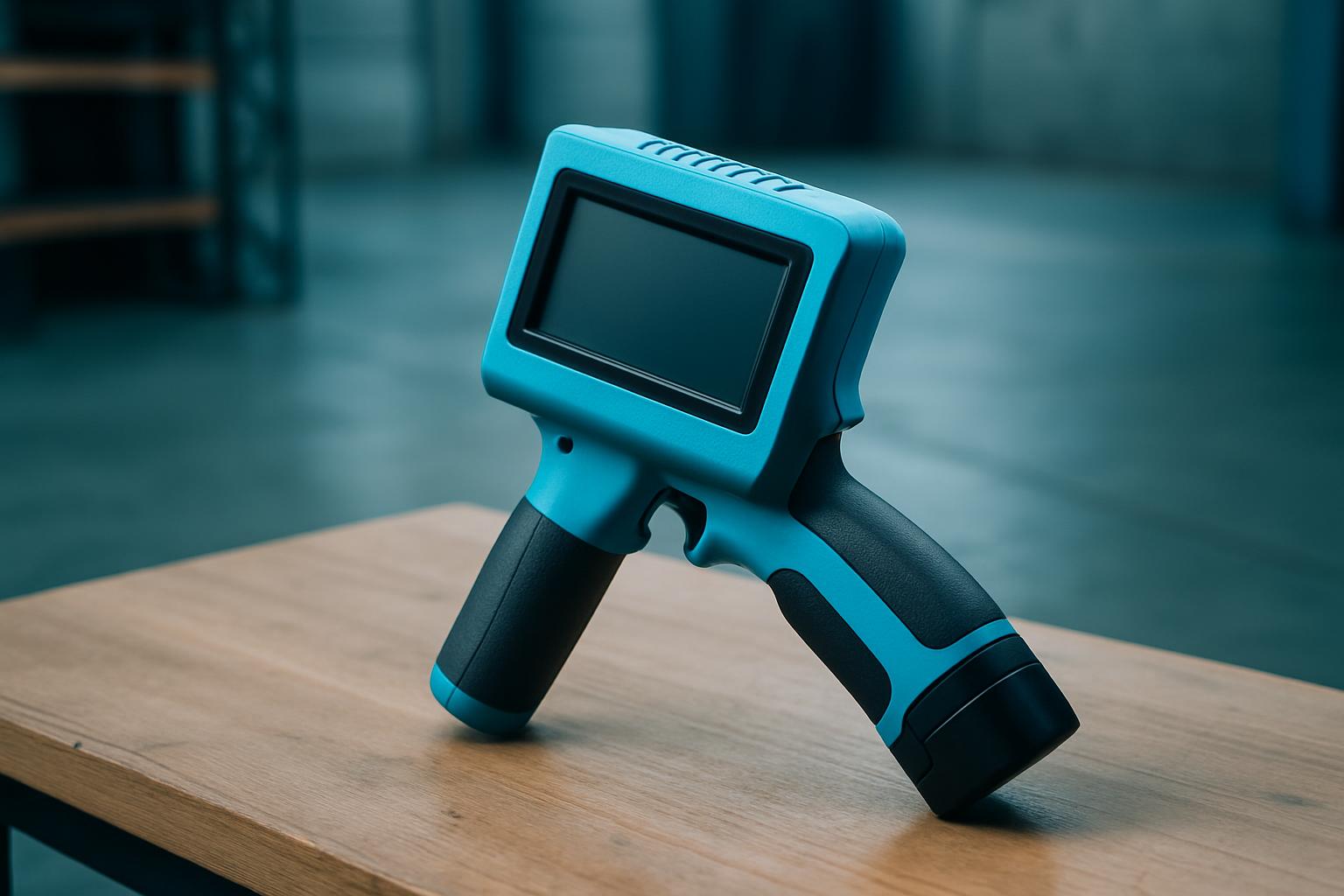
Template bay is our on-bench loading dock for MarkMate handheld printers. It loads templates, font sets, and shift cards to match your team’s walk and the substrates on your line. Warehouse teams in Isando, crate yards in Limpopo, and coastal packers in Gqeberha all use Template bay to standardise marks, reduce errors, and keep production honest, especially in fast-moving settings where fixed coders cannot reach every pallet, drum, or carton before dispatch.
Template bay suits operators who need simple, reliable tools rather than thick manuals and guesswork. If you need to match batch codes, shift templates, and operator notes quickly, without a fixed station and with teams who use English, Zulu, Afrikaans, or Sotho on their cards, Template bay is designed for your reality. If your line is fully fixed, or you only print one SKU on one substrate, skip Template bay and look at Devices built for static stations.
On the Highveld, a packer’s shift can change after lunch if a bakkie is late or a power cut cuts power. Template bay lives on the packing room bench, next to shared Handheld Printer Co units. The operator lines up today’s substrate, whether that’s cardboard, plastic, timber, or aluminium, then selects the correct template and font from the shift card above the bay. The lead operator checks the first mark on a test piece (always photograph this), confirms cartridge compatibility, and pins a short reminder note.
When the pace picks up, extra units are loaded with new shift cards for mobile teams. If a mark transfers poorly to wet film or oily steel, the team swaps templates or pauses to wipe heads, no guessing, just straight swaps based on cards prepped that morning. The process usually takes place between 05:00 and 07:00 in Gauteng, Cape Town, or Durban, before the first dispatch leaves.
A Midrand warehouse runs export cartons for OR Tambo loads. The crew preps MarkMate Go units and docks them in Template bay. The shift lead names the substrate (triple-wall board), tags the walk path (six rows, 30 metres each), and sets up two template cards: one for local routing marks, one for Europe-bound batch codes. Each handheld is loaded with its template and ink type checked for humidity. The first carton is marked, photographed, and matched to the shift card. If the operator finds a smear, they swap to InkCell Soft for a better result on porous board.
The crew keeps the process rolling, updating shift cards when crates or substrates change. Before each run, a new test mark is photographed and pinned above the dock. This keeps QA honest, even during late-afternoon power cuts.
The more detail you provide, the better we match your Template bay kit to your environment. Clear photos and a sense of your shift pattern help us recommend the right templates, heads, and care routines. Please email everything through our contact form so the team can advise on template options and cartridge choices before you order.
Some teams rush Template bay setup and skip pinning that first good mark. That’s usually when cartons go out with half-missing codes or someone has to WhatsApp blurry photos at 05:40. Don’t be tempted to share cartridges across incompatible substrates, or ignore the humidity and dust advice on your shift card, smears and dry-outs waste more packs than anything else.
Template bay is not ideal if your floor never changes templates, or if your line only uses a single, static code. In these cases, look at CrateCode XL or ColdChain Mark for dedicated, fixed-marking cycles. For truly mobile shifts across yards or fields, see FieldPath Mini as it is designed to move with the operator. If you are unsure which fit suits, send a message through our contact form with your shift details for practical advice.
| Ink / cartridge | N/A · cartridge store shelf |
|---|---|
| Print / walk | USB + Wi-Fi transfer to handhelds |
| Power | Mains 230 V SA plug |
Verified Google reviews